

Start Here: Contacts Basics
Find Contacts in Swivel
Overview
Section titled “Overview”Swivel gives you two ways to find contacts:
- Quick Search: Quickly open a specific contact or a contact you recently viewed.
- Contacts tab: Browse contacts or use Advanced Filters to find contacts that match specific criteria.
Use Quick Search
Section titled “Use Quick Search”Use Quick Search to find a specific contact or reopen a recently viewed contact.
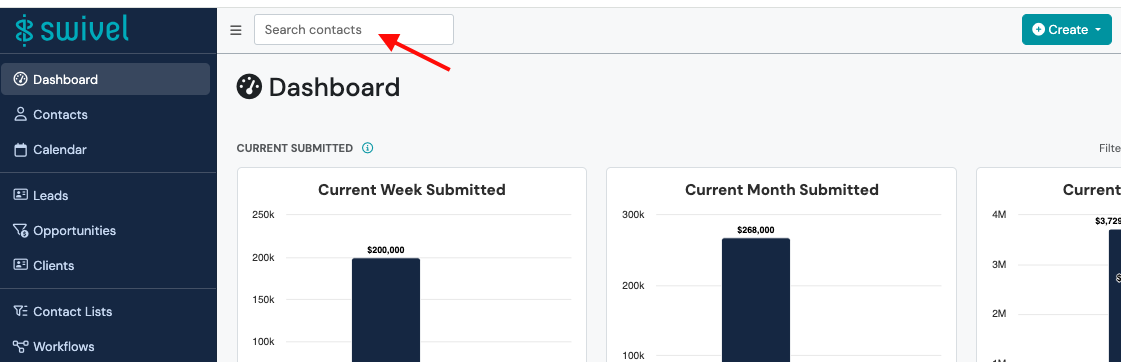
- Select the search box at the top of any page.
- Select a contact under Recently viewed, or start typing to search.
- Enter at least three characters to see search results.
- Select the contact you want to open.
Recently Viewed
Section titled “Recently Viewed”Before you type anything, Quick Search displays up to five contacts you recently opened under Recently viewed.
Deleted contacts are removed from Recently viewed.
Use the Contacts Tab
Section titled “Use the Contacts Tab”Go to the Contacts tab when you want to browse contacts or find contacts based on specific criteria.
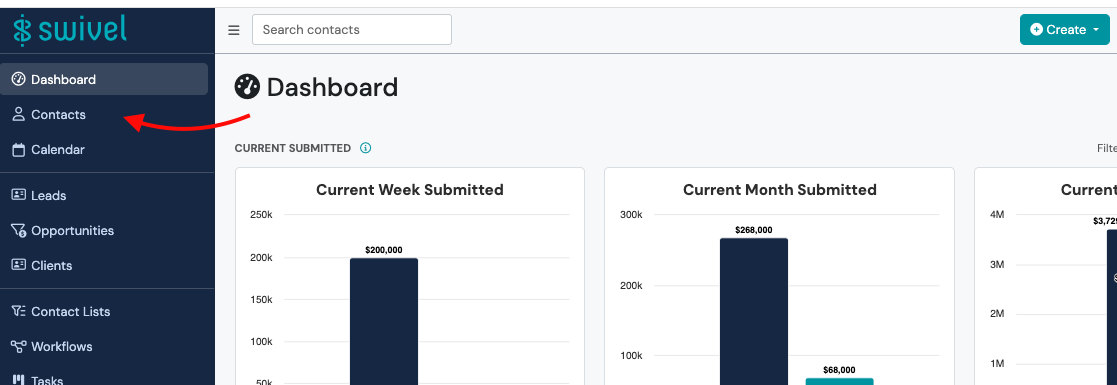
You can use Advanced Filters to narrow your results using:
- Contact Filters
- Product Filters
- Both
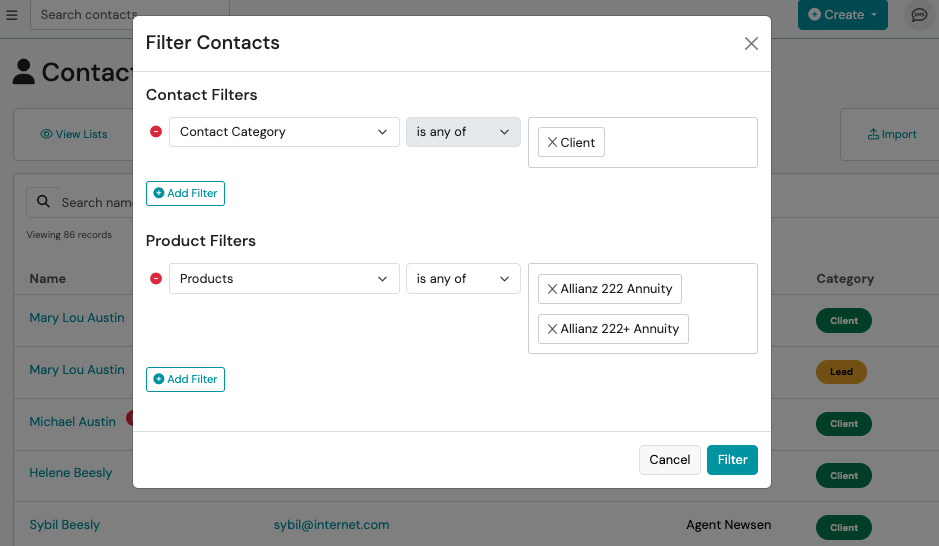
For detailed instructions, see Find Contacts with Advanced Filters.
Which Should I Use?
Section titled “Which Should I Use?”| If you want to… | Use… |
|---|---|
| Quickly open a contact you recently viewed | Quick Search |
| Find a specific contact by name | Quick Search |
| Browse your contacts | Contacts tab |
| Find contacts that match specific criteria | Advanced Filters |
| Find contacts using both contact and product information | Advanced Filters |