

Adding & Managing Policy and Account Values
Contributions & Withdrawals
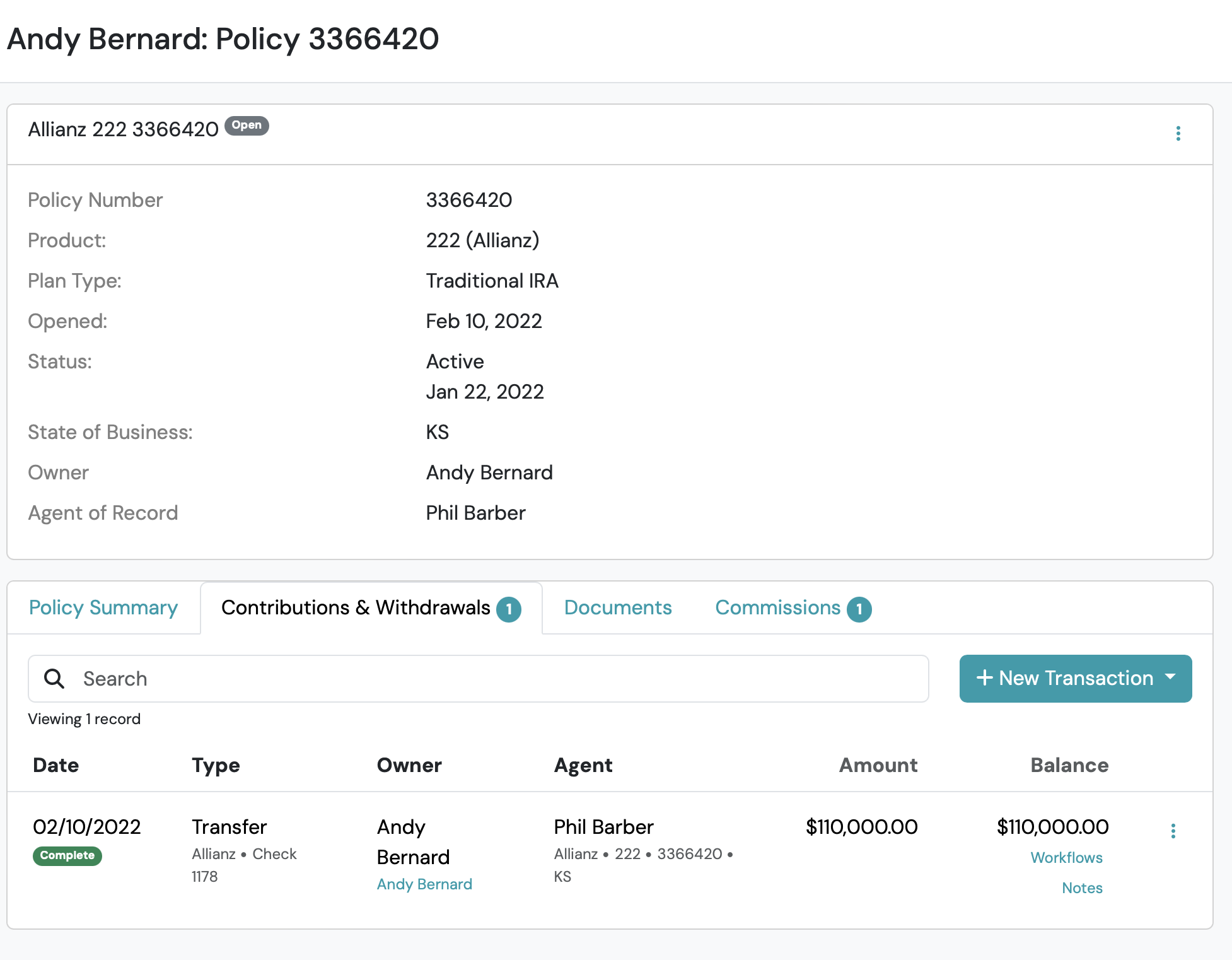
Use the Contributions & Withdrawals tab to track funds going in and out of an account (ie. transfer transaction types).
Add Transfer Companies
Section titled “Add Transfer Companies”- From the left-hand Main Navigation Menu > click Business Management > Carriers & Institutions
- Click the +New Institution button, select the desired Institution Type from the drop-down, and complete the New form.
- Click Save