Dashboard Widgets
🙋 FAQs: Dashboard Display & Widgets
Task Widget
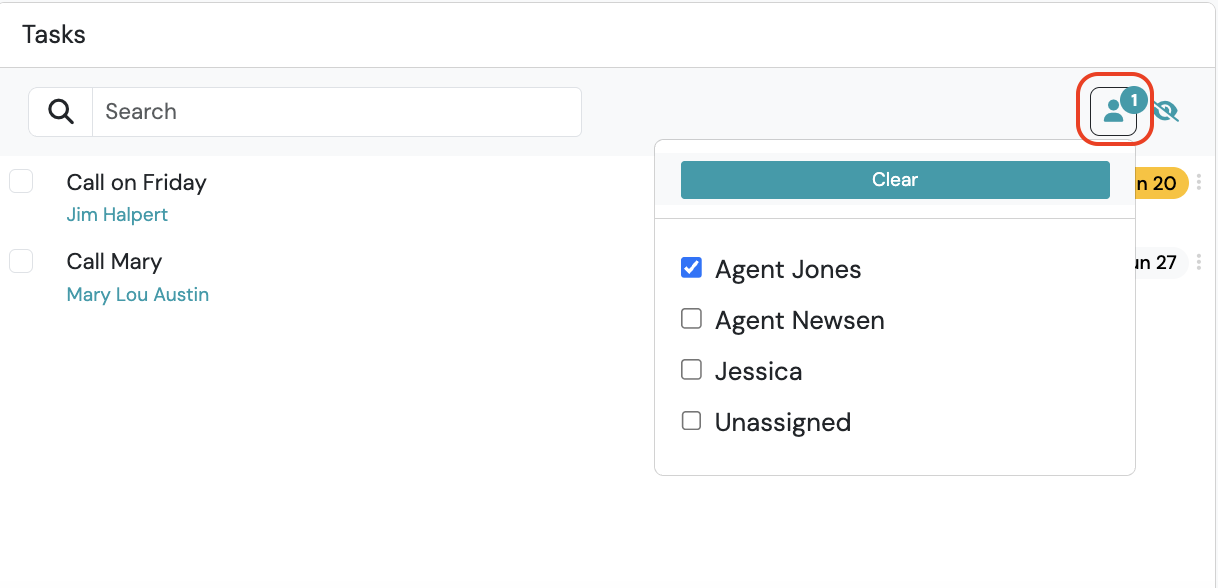
Section titled “Task Widget”How do I view other user's Tasks?
By default, the workflows assigned to the logged in user display. To view workflows assigned to other account users, use the user filter on the dashboard widget.
What order are Tasks displayed?
Tasks are listed first by Status, then by Priority within each status.
Workflows Widget
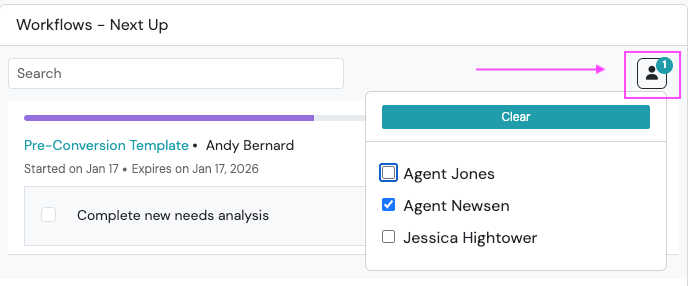
Section titled “Workflows Widget”How do I filter Workflows by user assigned?
From the Workflows Widget, click on the person icon at the top right and select the user (or users) assigned. By default, all currently running (or in progress) workflows display on the Workflows Widget.