

Network View
Creating a Network Account
In order to begin linking sub accounts to your Network View, you will need to create the Network account.
Creating a Network Account
Section titled “Creating a Network Account”-
From the left side navigation, select Settings
-
Navigate to Marketing Organization and select Networks
-
Select New Network and your applicable Network Type. By default, FMO is the only configured Network Type. See below how to configure additional Network Types
-
Complete the New Network form. Please note, the information completed here will display to any sub accounts who attempt to link to your Network View.
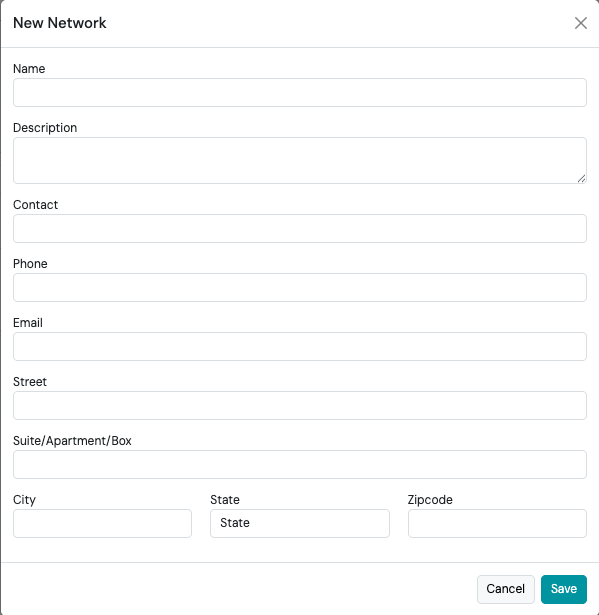
-
Select Save.
Now you will see the Networks tab from the main navigation.
Configuring Network Types
Section titled “Configuring Network Types”To configure Network Types outside of the default type of “FMO”, follow the steps below:
-
From the left side navigation, select Settings
-
Select Advanced Setup
-
Select Network and then Network Types
-
Select +New
-
Complete the New Network Type form
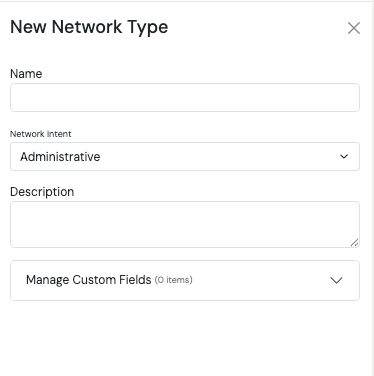
-
Select Save